

Making Maps for Online Adventure
Make A Map
Sometimes you know just what you want, and finding a map isn’t working. Time to make your own. Luckily, there are some great tools out there.
DungeonFog
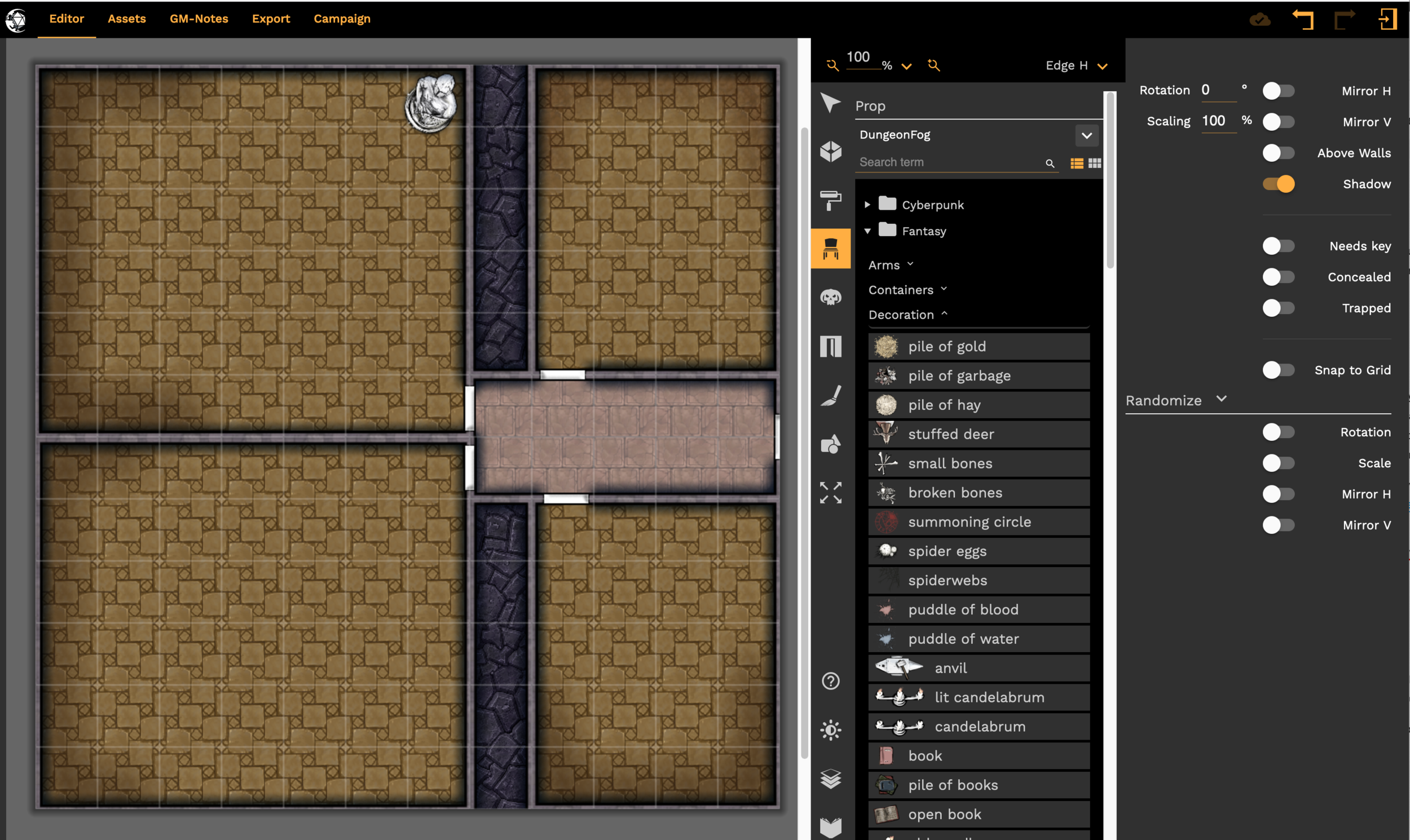
This is my favorite tool. I find it easy to use, and it keeps getting better. At this writing, we’re on version 5. You can start from scratch or load an existing image, like a castle floor-plan from a history book, and trace over it. There’s a free version, a subscription (with tons of additional content), and a publisher version. This is a web-based tool and works on my Windows laptop and my Mac desktop.
I used DungeonFog to make many of the maps for the Numenera adventure: The Sun Below: That’s How the Light Gets In. https://www.drivethrurpg.com/product/320528/The-Sun-Below-Thats-How-the-Light-Gets-In
My orthogonal dungeon maps for VTTs, coming soon, are made with Dungeon Fog.
WonderDraft
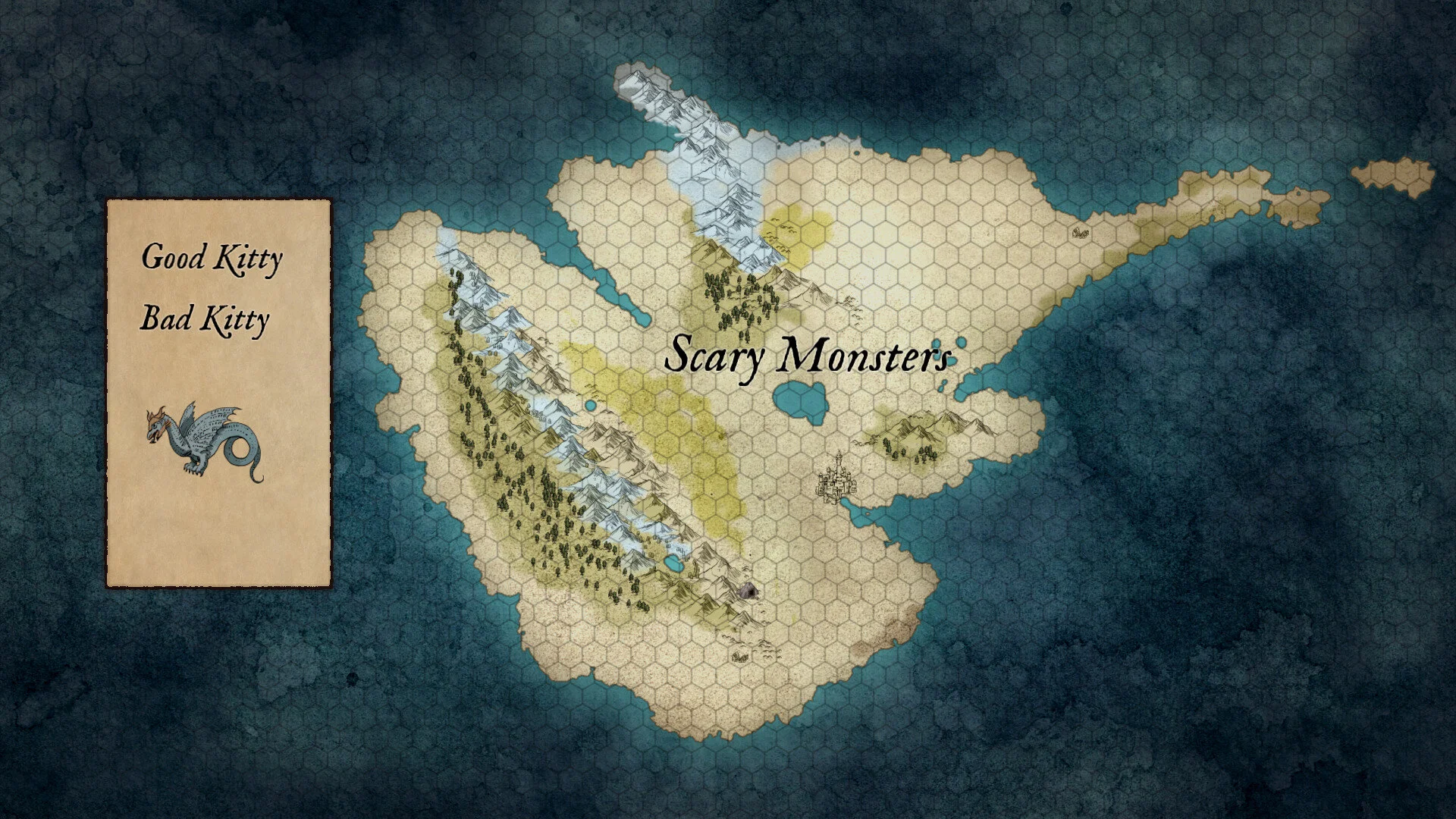
I’ve just started playing around with this, but it seems like it can do a lot. Use this for worlds, continents, regions. There is no subscription, just buy it once. I like the coastlines it makes.
The default UI was unusable on my big Retina display. I pumped up the font size to maximum and can read the menus now. Also, my Mac thinks this is malware, they didn’t register the application which I don’t like.
DungeonDraft
This produces great battlemaps and many people love it. DungeonDraft has the same installation and usability issues as WonderDraft. It is a buy once program instead of a subscription, which is nice.
Inkarnate

Another web-based mapper that works on my Windows and my Mac computers. Free and subscription versions. They have robust world, continent, city, and town map support, and have a battemap version in Beta at this time. I’m far from an expert with this tool, but I like it.
Campaign Cartographer
An oldie, but a lot of folks use it, especially professionals. This is an app I’ve wanted to like, and kept on buying different versions of for decades, and it just does not work with my workflow. However, your mileage may vary. If you use CAD (Computer Aided Design) at work, this is probably a good choice for you. The verb-oriented (vs. object-oriented) user interface just grates on my poor brain. Again, YMMV.
Hexographer

You want hexes? Get your hex maps here. Great for hex crawls, lots of options. It doesn’t produce the prettiest maps, but it produces very gameable ones.
There is a great feature for creating hex maps of Icosahedral maps, as used in Traveller for planetary mapping. If you are a Traveller GM, check this out. They’re also great for any planet hopping game. I’ve printed these maps out on card stock and folded them into twenty sided planets, taped them together, and handed them out when players reached a new world.
Atlas Architect
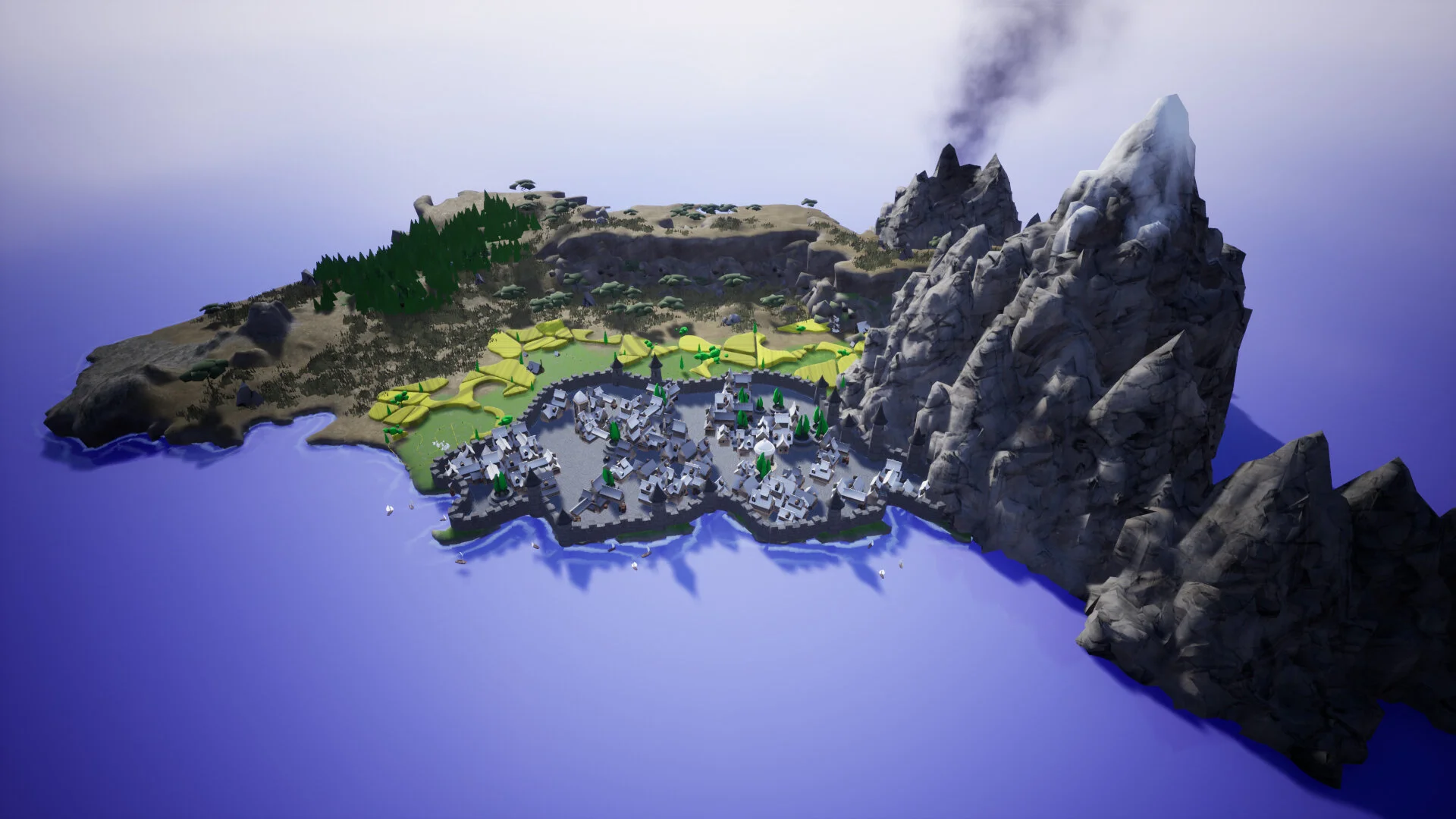
Early access at this point, it’s the new kid on the block. A fun 3d world builder, I can spend hours doodling with this. It’s fairly light on features and fine control, and I wish it had a Mac version, but it’s so much fun to create by doodling around.
Photoshop (and other art programs)
https://www.adobe.com/products/photoshop.html
Many professional game cartographers do everything in art programs like Photoshop. Others start with a mapping tool, then touch it up in an art program.
You may want to check out 25 Quick & Dirty Map Tutorials by Michael Tumey.
No time to make your own? Be sure to read Finding Maps for Online Adventure.


Finding Maps for Online Adventure
How do you show the setting for a scene in your game? In many RPGs, that’s a map. Some games don’t need maps, see Roll20 for Non-Tactical Games. But many do!
Find a Map
A great way to get a map is to just find one and use it. And if you can’t find the right map for free, there are plenty of great maps for sale. Support your friendly cartographer!
Google, DuckDuckGo, Pinterest
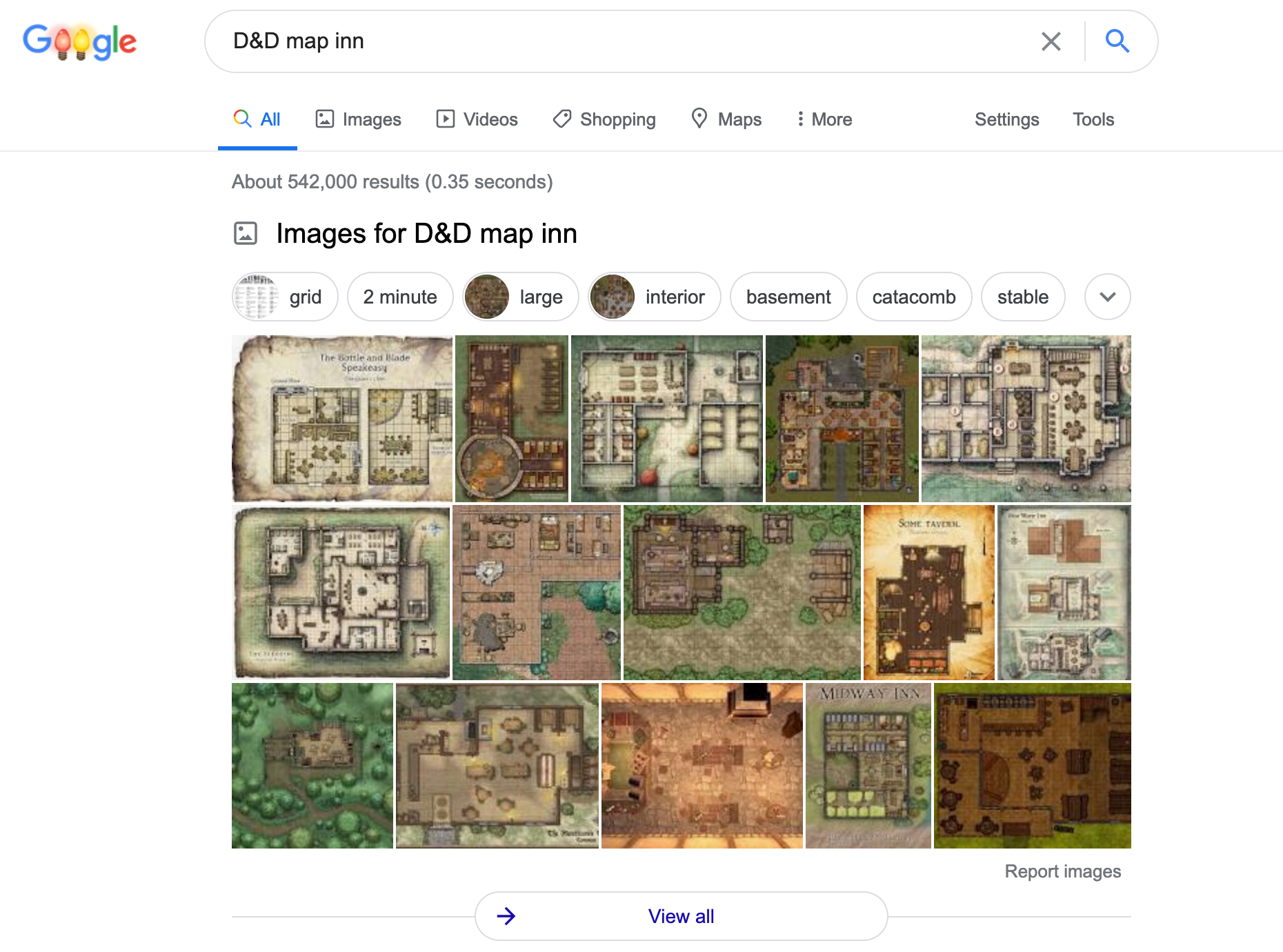
Just do a search. Even if you’re playing another game, adding D&D to your search will often find great battlemaps.
Dyson Logos
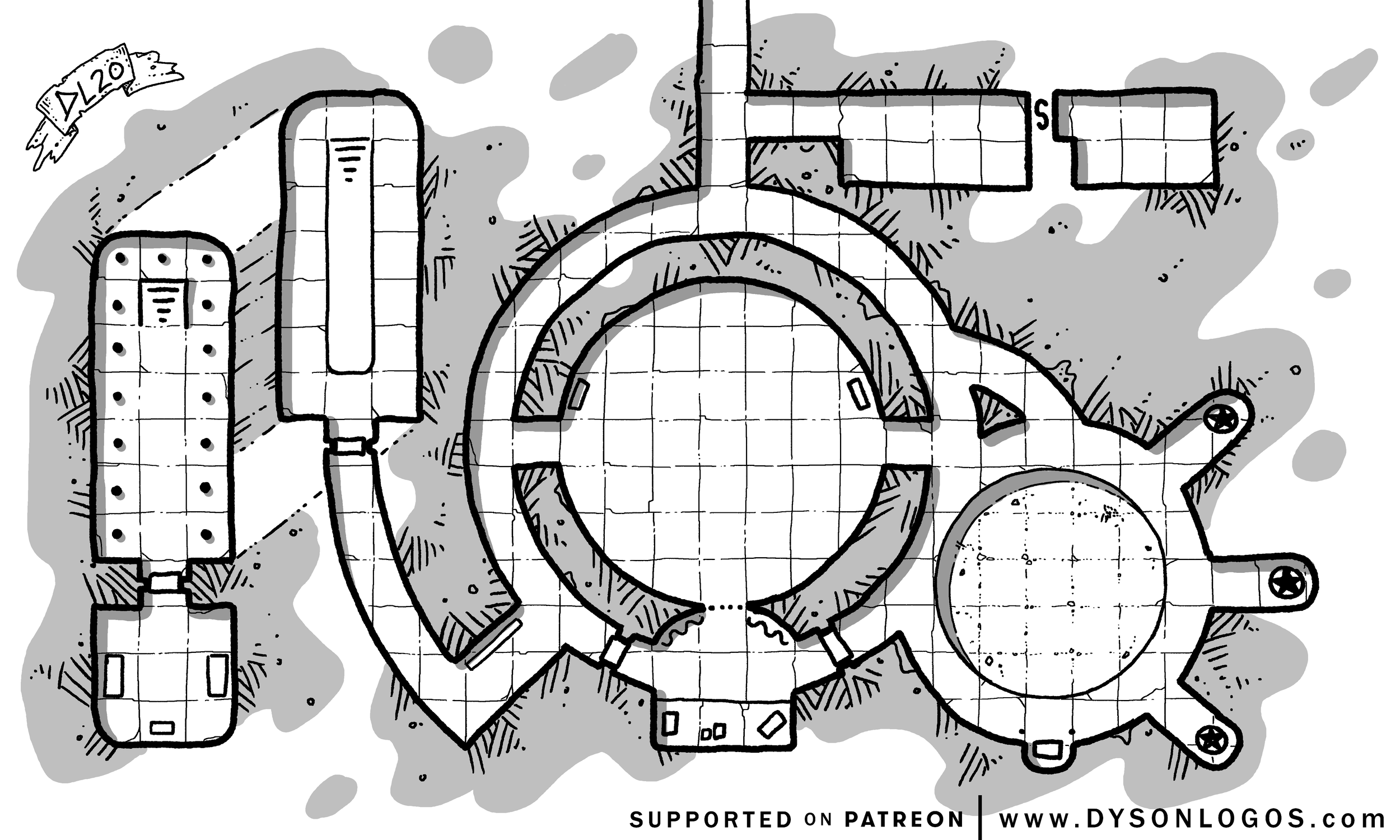
So many maps, Dyson Logos maps show up in games and game products all over the world. Maybe your VTT can use some too.
Want to share the love? Consider supporting more maps on https://www.patreon.com/dysonlogos/posts
Need color? Pro Tip: Trace over a black and white map to add color in DungeonFog or DungeonDraft (see Make a Map, below).
Justin Andrew Mason
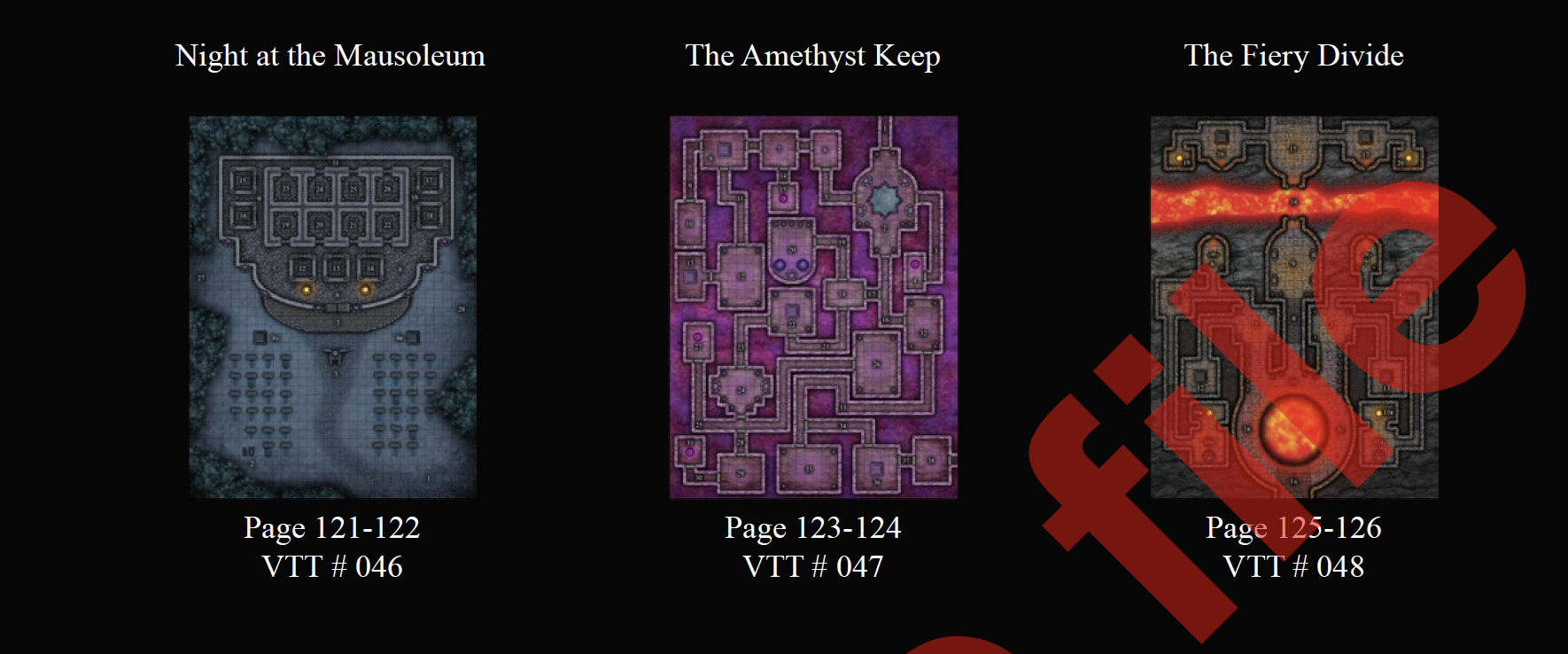
Justin makes an sells giant map collections. Check out his Big Book of Maps.
Miska Fredman

Some of the best things in life come from Finland. Including great maps! Fantasy maps, science fiction maps, so many maps. Some free, some you can buy at DriveThruRPG, Roll20, Foundry, and Astral.
DriveThruRPG
So many maps!

Over 24,000 hits on this search!
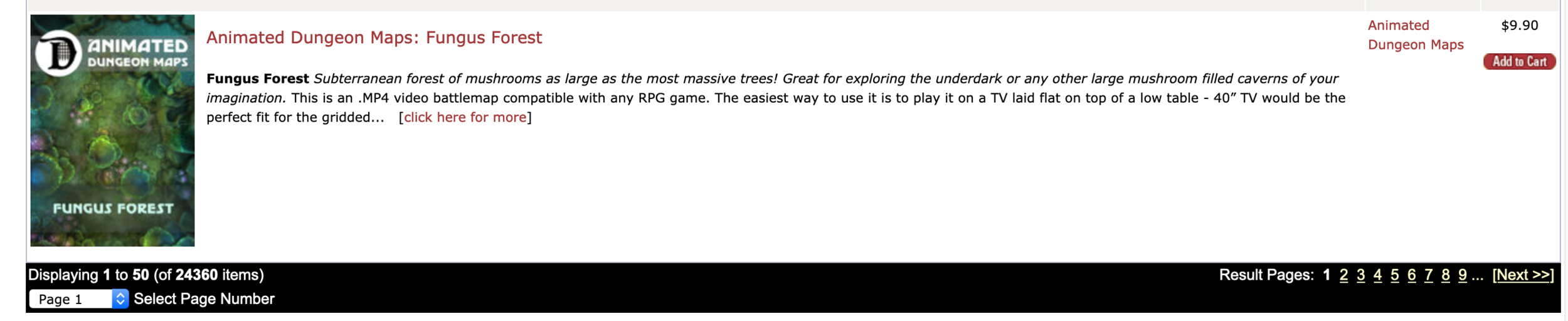
I have a collection of orthogonal dungeon maps coming soon to DriveThru.
Now check out how to Make Your Own Map.

Virtual TableTops (VTTs)
You want to play, but need to play remotely. But how? Depending on your needs, playing remotely might mean playing on a Virtual TableTop (VTT).
I’m going to call out D&D 5E support in each VTT, because that’s the most popular gaming system, and that’s what most of you want to know about. I’ve also had great times playing 13th Age, Bluebeard’s Bride, GUMSHOE, FATE, Hillfolk, Numenera, and other games on VTTs. Just make sure the VTT supports the game you want to play.
Read more sage wisdom and advice about VTTs here: https://www.dreadunicorngames.com/blog/category/VTTs
VTTs have maps for tactical combat, dice rollers, text chat, and more. Most folks I know use a VTT with Discord for voice. (More on that here.)
I find all the VTTs a bit cumbersome and slow. Like many folks, I tried Roll20 first. I thought “how cumbersome and slow!” so I tried others. So far, my dream VTT isn’t out there. But I’ve had great fun playing on VTTs, so what exists works.
Roll20


Pro: Free version, most popular VTT so more players know it and has great publisher support. More systems supported than any other VTT. Great support for D&D 5E and many other game systems (I’m really impressed with the support for FATE and other Evil Hat games). Most of my experience as a player or GM online is through Roll20.
Con: Cumbersome user interface. New features seem to take forever to deliver, so I suspect an aging codebase that is hard to work with. Lags out a lot. Door support is terrible. Most of my experience with other VTTs is trying to find something better than Roll20.
Fantasy Grounds

Pro: More automated than Roll20. For example, casting D&D 5E faerie fire on a target causes all subsequent attacks to have advantage automatically, no remembering required. Second most popular VTT on the market, lots of players and systems. Great D&D 5E support. Brand new codebase on the Unity platform. Matt Colville raves about it and Jen Page works there.
Con: High learning curve, no free version (there is a free demo). Your game system might not be supported, or under supported. Example: 13th Age has support for only half the classes in the game (not an issue with D&D 5E).
Foundry

Pro: Feels like what Roll20 should have been. Very smooth and responsive in comparison. Support for a massive number of systems. Buy once, play forever.
Con: No free version. No publisher support yet, so the system support is broad but basic. One-person company.
Astral

Pro: Free version. Nice looking, with some great special effects built in, for example, make it rain or snow on the characters with the click of a button. Large number of game systems supported. Sounds are built in. 3rd party material available on DriveThruRPG.com. Drag and drop creatures from the D&D 5E SRD onto the map. Great doors. Nice tutorials on YouTube.
Con: Fine, but not great D&D 5E support. For example, you can’t buy a Wizards of the Coast adventure like you can on Roll20 and Fantasy Grounds. Performance issues (that keep getting better every time I try the system).
Role

Pro: Most intuitive UI in any VTT I’ve tried. Audio and video built in. Lots of building blocks to build your own stuff.
Con: Early access, lots more to come. You need to use those building blocks to build anything, including character sheets.
And There’s More!
While these are the five that are on my radar at the moment, there are a lot more VTTs out there. Do you use one I didn’t mention? Or one or more that I did? Tell us what you think in the comments below.
More resources for playing remotely:
Online Communication for Roleplaying Games
Next Up: Maps for Remote Play

Roll20 for non-Tactical Games

There are plenty of articles about using virtual tabletops like Roll20 to do tactical gaming like D&D and its many offspring. This isn’t one of them. We’re talking about when you play more narrative games like Blades in the Dark, Call of Cthulhu, FATE, GUMSHOE, Numenera, and the like.
Hate Virtual Tabletops? You’re in Luck!
For those that have never clicked with virtual tabletops, you don’t need them to run narrative games. Discord or some similar service to do voice and share images is all you need. People who do D&D theater of the mind can go this route too.
Why Use a VTT?
There are many reasons to use a virtual tabletop for narrative games.
You are already comfortable with one (or more). Maybe you’ve been playing tactical games on a VTT and switch systems. Most or all your players are also comfortable there. Why move?
Automated character sheets. Tired of teaching new Numenera players how to spend effort? The Cypher Systems by Roll20 character sheet will walk the players through it. Automated sheets take some of the work off the GM’s and players shoulders.
Integrated dice rollers. You can add dice bots to Discord, but I’ve found some players have a hard time without a graphical interface.
Built in organization for game components. Roll20 has support for handouts, cards, and graphics. Once you’ve shared a handout with players, they always have access to it.
Lots of publisher support. I’m particularly impressed with Evil Hat’s offerings on Roll20. I have also had good experiences with Pelgrane Press and Monte Cook Games wares for Roll20. I’m sure theres many more I don’t yet know about.

FATE of Cthulhu Character sheet
Why Roll20?
It’s the most popular VTT, has a free version, and supports more narrative based games than any other VTT I know. Most of what I say here applies to Astral, Fantasy Grounds, Foundry, and the others.
Mapless Map Layer
You can use the Roll20 map layer for a lot more than gridded tactical maps. For narrative games, think of it as a background image. Turn the grid off, and load in an image that works well with your game. Use the images from the PDF of your game. Or, an internet search will come up with images of almost anything gameable you can think of. Pinterest is great as well.
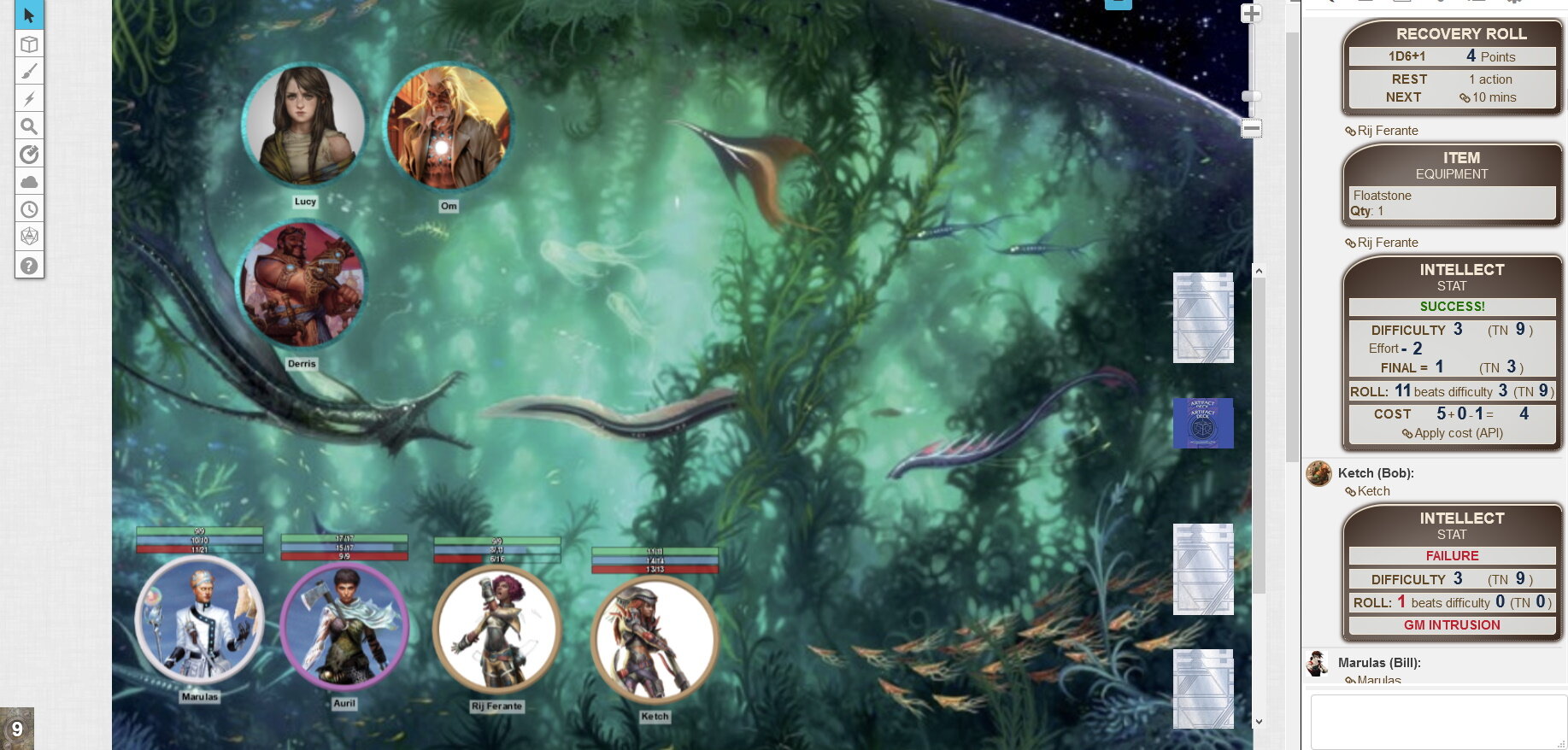
The image could set the tone, convey information about the scene, or just look cool. Sometimes all three.
Tokens
I use tokens to do things like show hit points or similar PC resources. For example, in Numenera, I make all three bars visible, and use Bar 1 for Might, Bar 2 for Speed, and Bar 3 for Intellect. This gives all players a quick visual take on the condition of the party. Anyone need healing? Should we take a rest? A half second scan of the tokens is perfect for this.
Playmat
Build (or purchase) a playmat that has all the information your players need to play. Keep the GM secrets on the GM layer. Check out this playmat from Evil Hat for their Fate of Cthulhu game.

Return of the Map
Whenever you want, you can bring back the map, gridded or gridless. Using a map with dynamic lighting is great for chills and thrills in horror roleplaying. What’s around that corner? Move your token and roll for a shattered psyche.

From the upcoming Ashen Stars adventure, Dark Entanglement, where the PCs investigate a derelict starship oosing with corruption.
Have you used a VTT for a narative roleplaying game? What worked well for you? What didn’t? Let me know in the comments below.

Roll20: Maps, Tokens, and Lighting
Also, check out Roll20: Combat Tokens.
Now that people are playing tabletop RPGs online like never before, I thought I’d share my tips and tricks for doing a game on Roll20 using a battle map. I do a battle map for all the non-social (and some of the social) encounters in D&D or 13th Age. Even in investigative games like Ashen Stars I might do one more for the mood of investigating an abandoned space wreck than tactical combat.
I’ll do posts about using Roll20 for investigative and for story telling games in the future. Stay tuned!
There may be better ways to do this, I'm still learning. Sadly, some of the lighting advice doesn’t work on the free version. Here's my setup:
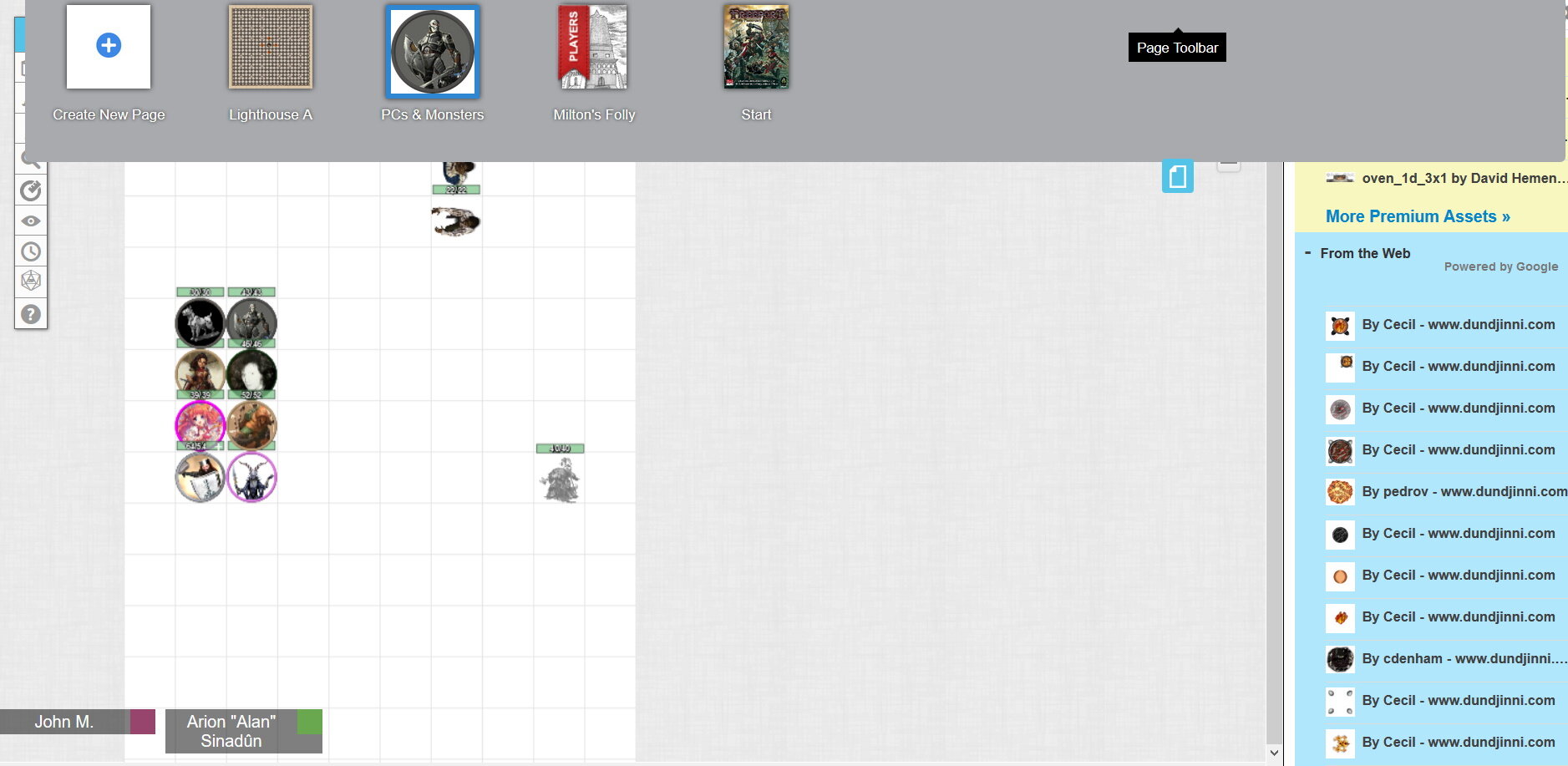
The Secret Map
I have a map only I can see, called "PCs and Monsters." Oh no, you saw it! :)
All the PCs’ tokens are there. When I make a new map, I copy the PC tokens from PCs and Monsters, and paste them into the new map. I place them in a likely location for you to enter the map. I also stick monsters that repeat on multiple maps here. TIP: Copy and Paste with the right mouse button works better for me than using CTRL-C and CTRL-V.
Each token has the "Represents Character" set to the name on their character sheet. I also select the token, and open the character sheet, click edit, and set the default token to the one I just selected. Now they are connected. I only have to do this once.

Sad Warforged
For 5E, each token has its bar 1 (green) set to "hp" and it's bar 2 set to "ac". On the advanced tab I set bar 1 to "see" so everyone can see the hp bar. I can click on a PC’s token to see their AC. Since the token is connected to the character sheet, when a player changes their hp or ac on the sheet, it gets changed on the token.
I also set the "Emits Light" section up so players can see. For darkvision I set that to 60' / 1', which is 60' of dim vision, 1' of full light. A person holding a torch would be 40' / 20'. For an artificer’s tinkering light property I set it to 10' / 5'. For someone without a light source or darkvision, I set it to 1' / 0.1'. This allows the player to see their token, but that’s it unless there is an external light source.
I only check the "All Players See Light" if it's a light spell or the PC is carrying a torch or something. I check "Has Sight" for everyone or players won't see anything!.
If the whole party moves to a new map, I just drag the red "Players" ribbon to that map and I'm done. If one PC goes ahead, I go to that map, pull the PC tokens to somewhere they can't see anything important, put the scout token in the right place, and then move the Players ribbon.
On my nighttime, inside, or underground maps I enable the Advanced Fog of War and check Dim Light Reveals. That lets a PC’s token "remember" the things they've seen before. It uses the token's "Emits Light" radius to track what has been revealed, so it's not perfect. Whatever a player can see by a distant light source is not remembered. The token need to have moved close enough to see it with its own light or darkvision.
I also enable Dynamic Lighting and set Enforce Line of Sight, Only Update on Drop, and Restrict Movement. Now players can't walk through walls. For more information, go here: https://roll20.zendesk.com/hc/en-us/articles/360037258654-Dynamic-Lighting

The Dynamic Lighting Layer
I use the polyline in the Dynamic Lighting layer to mark walls, doors, and other big obstructions. For columns, barrels, statues and the like I use polyline to make an X in the middle of them. I used to draw their circumference, but then players couldn't see the object. The X blocks line of sight, but allows the players to see the object. I use white since my maps tend to be dark. Doors I make in green and add a handle so I can grab them to open them as needed. If I need to close the door later, I drag the door off the visible area. If not, I just delete it.
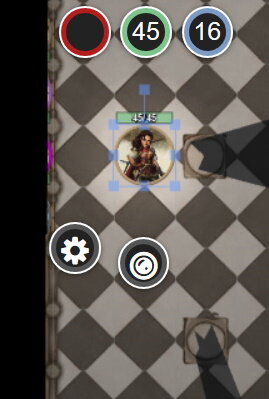
Using the rogue’s token to test lighting
To test out lighting on a map, I select a player token and hit "CNTL-L". This is what the player will see. I drag it around the map and check it out. When I'm done I click the eyeball icon on the left and click "Reset Fog" or the player will see all the “remembered” area from my test.
I can also create a token for a torch on the wall and give have that emits light and set All Players See Light.

A well lit shop.
Here's a warforged from my Eberron Adventurer's League game. They have emits light set to 1' / 0.1' which would normally leave the room black, but the torches light up things nicely.
For outdoor daytime maps I also set Global Illumination. Everything is lit, but objects can still block your line of sight.
How about you? Do you have Roll20 tips and tricks to share?
Are you a Fantasy Grounds or other VTT user who would like to share their tips and tricks on this blog? Send me mail at john at dreadunicorngames dot com.
Next blog: Roll20 combat.
John
Maps from
Immersive Battle Maps: https://www.kickstarter.com/projects/atlasmundi/immersive-battle-maps-for-tabletop-roleplaying-gam
Me, using The Calamus: https://trapstreetstudios.com/theCalamus/
Roll20